
How to use voice dictation within SophIA?
You can use voice dictation to ask SophIA questions without having to type.
To do so:
1. Access SophIA
From a patient’s file, whilst managing an appointment in the calendar or via the general access to the tool.
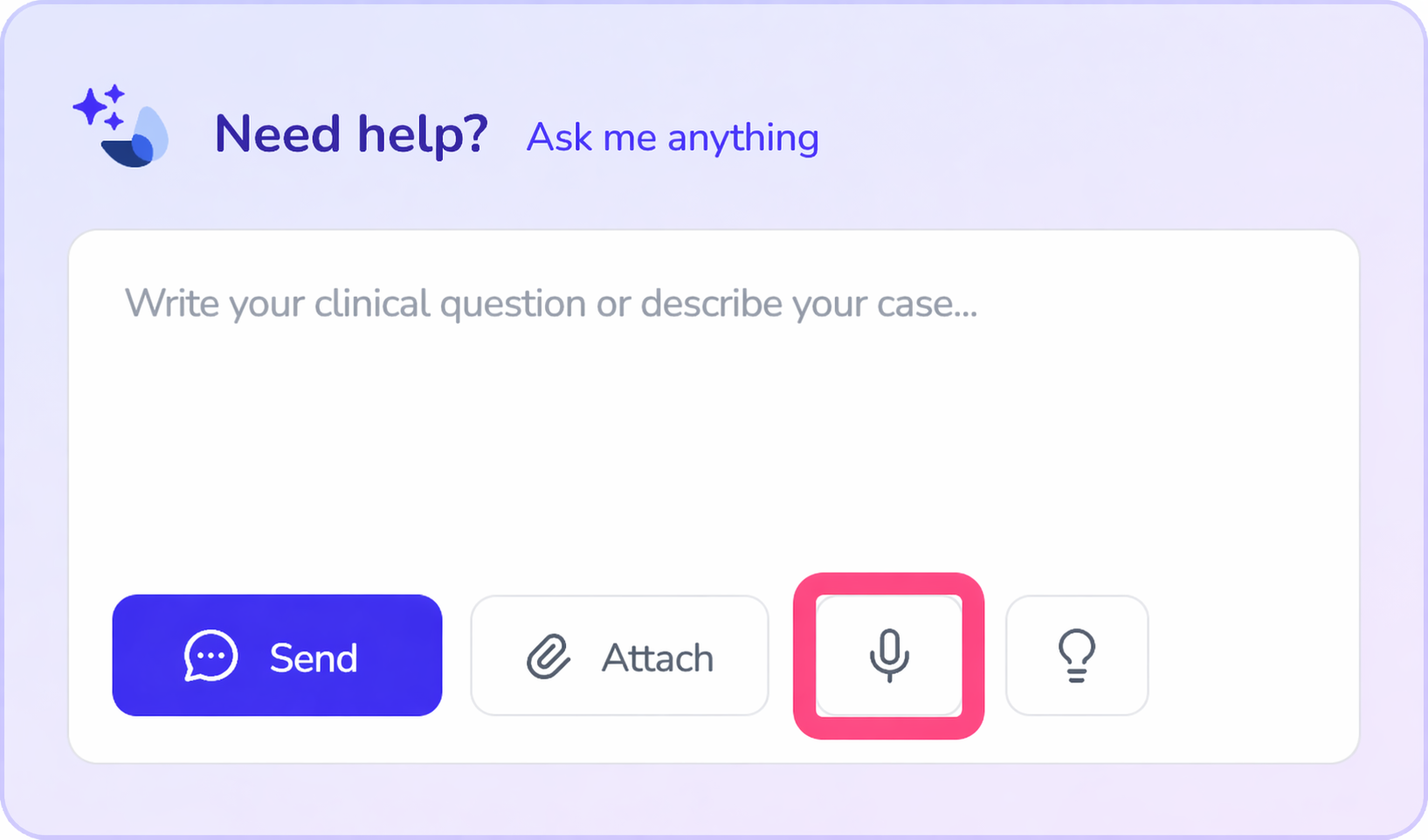
2. Record your voice message
At the bottom of the conversation panel, next to the space where you type your query, you will find the icon to record your voice message. Clicking it will automatically transcribe it as text in the query field.
3. Send the query
Once you have finished dictating, you can review the text and send it to SophIA just like any other query.
Voice dictation can be particularly useful for:
● jotting down ideas quickly;
● describing a clinical case in a more natural way;
● dictating notes or thoughts after a session;
● making queries without interrupting your workflow.
After dictating, you can edit the text before sending it, should you need to adjust any details.
💡 Usage advice: Some professionals are using this feature to record and transcribe entire face-to-face sessions.
In these cases, SophIA is able to process the audio and automatically generate:
● the full session transcript;
● a summary of the most relevant points;
● useful notes for clinical follow-up.
● What is more, it will remain in your patient’s history for quick reference or to help with the analysis and follow-up of your patient.
Important recommendation regarding the use of session recordings:
If you decide to use voice dictation to record sessions with patients, it is essential to bear in mind the legal aspects relating to privacy and data processing.
It is recommended that you include a specific section in the patient’s informed consent form covering:
● audio recording of sessions;
● using clinical intelligence tools to process the information;
● generating transcripts and summaries for clinical purposes.
This ensures transparency with the patient and helps to avoid potential legal issues. Here you can find more details on the aspects to include in your informed consent form. [Article on GDPR and informed consent]