
Quick actions and navigation from Notes
Patient list
Each patient now includes a new quick actions button.

How it works
● On mobile phone: a menu opens from the bottom of the screen
● On desktop: a menu with quick actions appears
The menu can be easily closed by tapping outside it or using the “X” button on mobile phone.
Available actions

SophIA clinical support
Opens a new SophIA chat regarding the selected patient. Link: “What is SophIA and what is it for?”
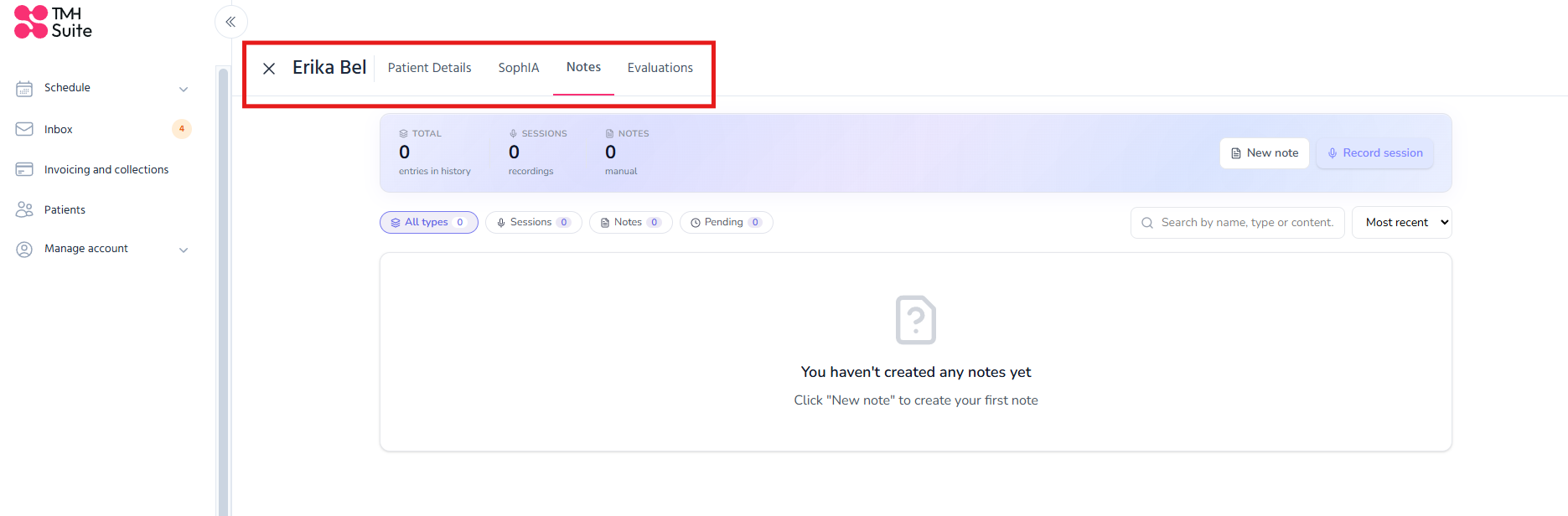
New note
Goes directly to the patient's notes and automatically open the form to create a new note.
View assessments
Takes you directly to the patient’s assessments tab.
Contact features
Contact by e-mail
Opens the e-mail application to contact the patient.
Contact via WhatsApp
Opens a WhatsApp chat with the patient.

New patient chat
For new, uninitiated chats only
A new informational message is added below the SophIA chat section.
This message includes the “New note” button, which
● takes you directly to the patient’s notes;
● automatically opens the “Create note” form.
Patient notes
In the notes section, a new fixed message has been added at the bottom of the screen.
This block includes the “New query” button, which allows you to quickly start a new chat related to that patient.
The aim of these improvements
These changes are designed to
● facilitate access to clinical documents;
● reduce the number of steps between queries, chats and notes;
● improve the organisation of information;
● offer a more user-friendly experience on both mobile phone and desktop.