
How to do you handle attachments in SophIA?
You can upload files so that SophIA can analyse their content and help you organise or interpret the information.
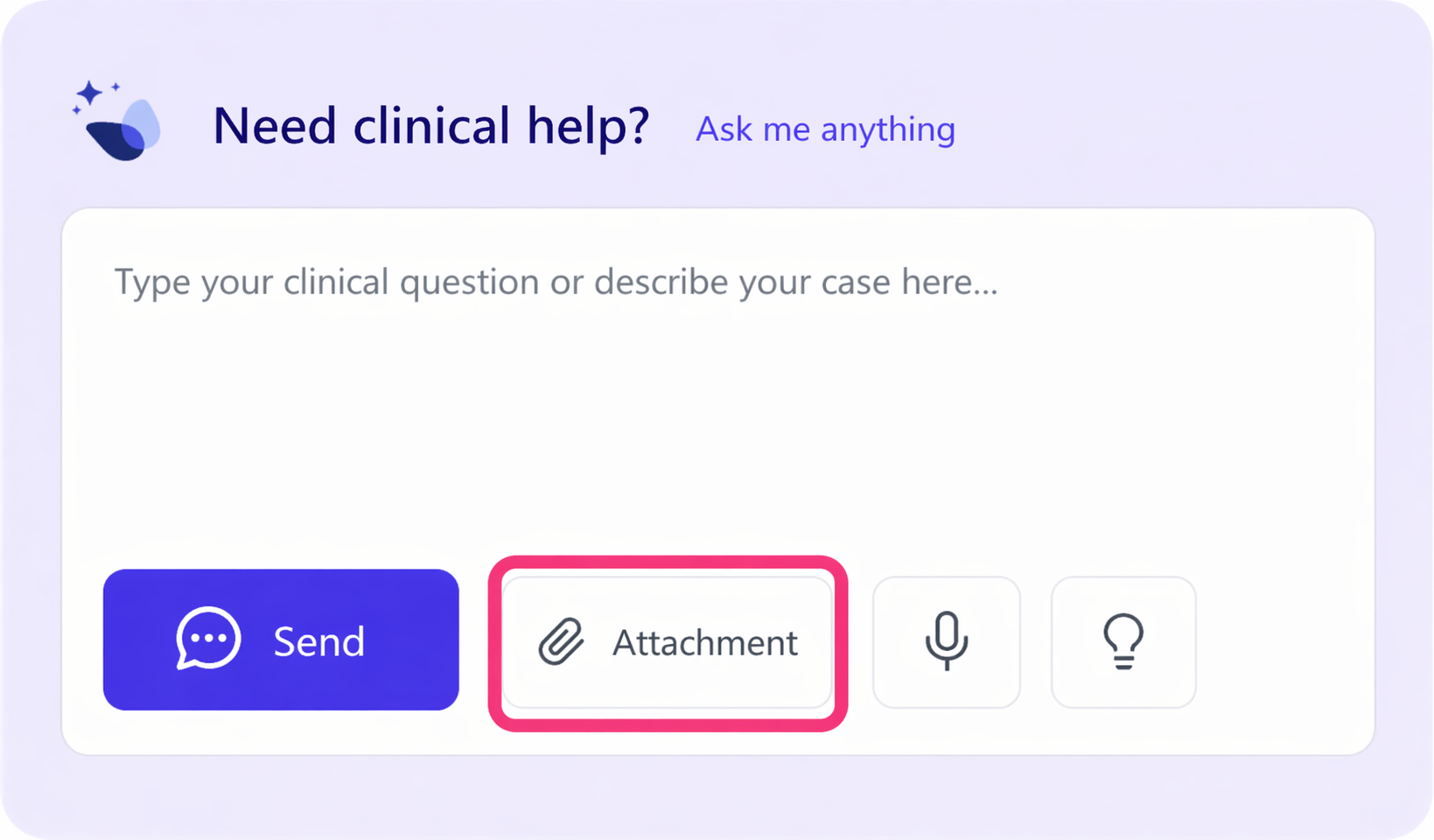
To do so, access SophIA, either from a patient’s file, whilst managing an appointment in the calendar or via the general access to the tool.
At the bottom of the conversation panel, where you type your query, you will find the “File” button. Click on File and select the document you want to upload.
Once uploaded, you can ask SophIA to analyse, summarise or organise the information included in the file.
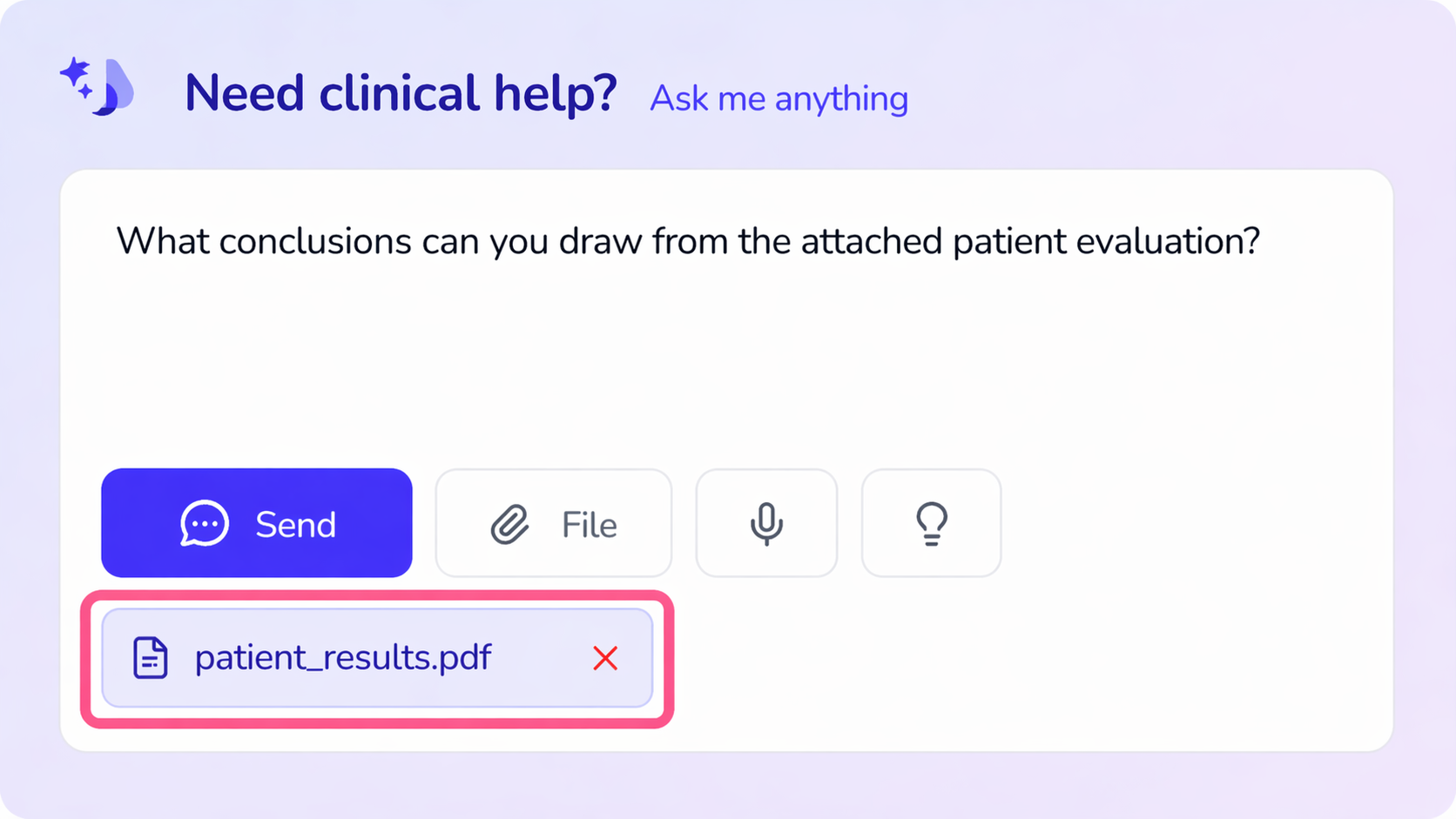
This can be useful, for instance, when working with:
● Clinical reports
● Results of assessments or questionnaires
● Relevant documents
● Previous notes or records
Once the file has been uploaded, you can tell SophIA what you need, e.g.:
● “Summarise the main points of this report.”
● “Identify the most relevant aspects.”
● “Organise this information as session notes.”
💡Usage advice: To ensure SophIA becomes your best partner from the very start, provide context. When starting a new case with a patient, try uploading the medical history or previous assessments. Having this reference frame allows SophIA to provide you with much more customised, thorough and useful responses for your decision-making.