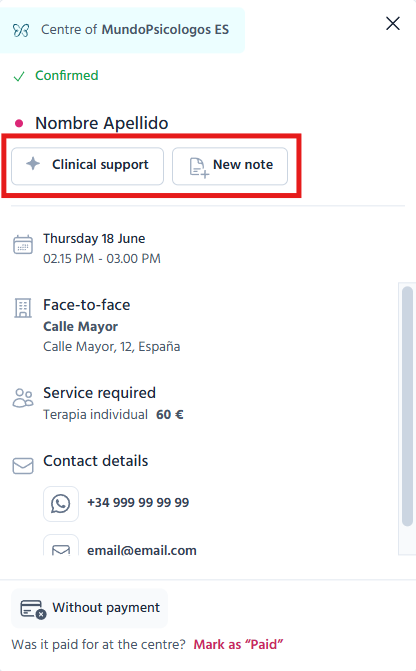
Access to Notes from appointments and queries
It is now easier to access the Notes and Clinical support sections from different areas of TMH Suite.
Moreover, some interface elements have been reorganised to provide clearer and more user-friendly navigation during patient and query management.
Appointment details
Reorganised appointment information
The date and time of the appointment no longer appear next to the patient’s name.
They are now displayed alongside the rest of the appointment information, such as the type of appointment or service, to provide a more organised view.
“Clinical support” button
Below the patient’s name, you will find the “Clinical support” button.
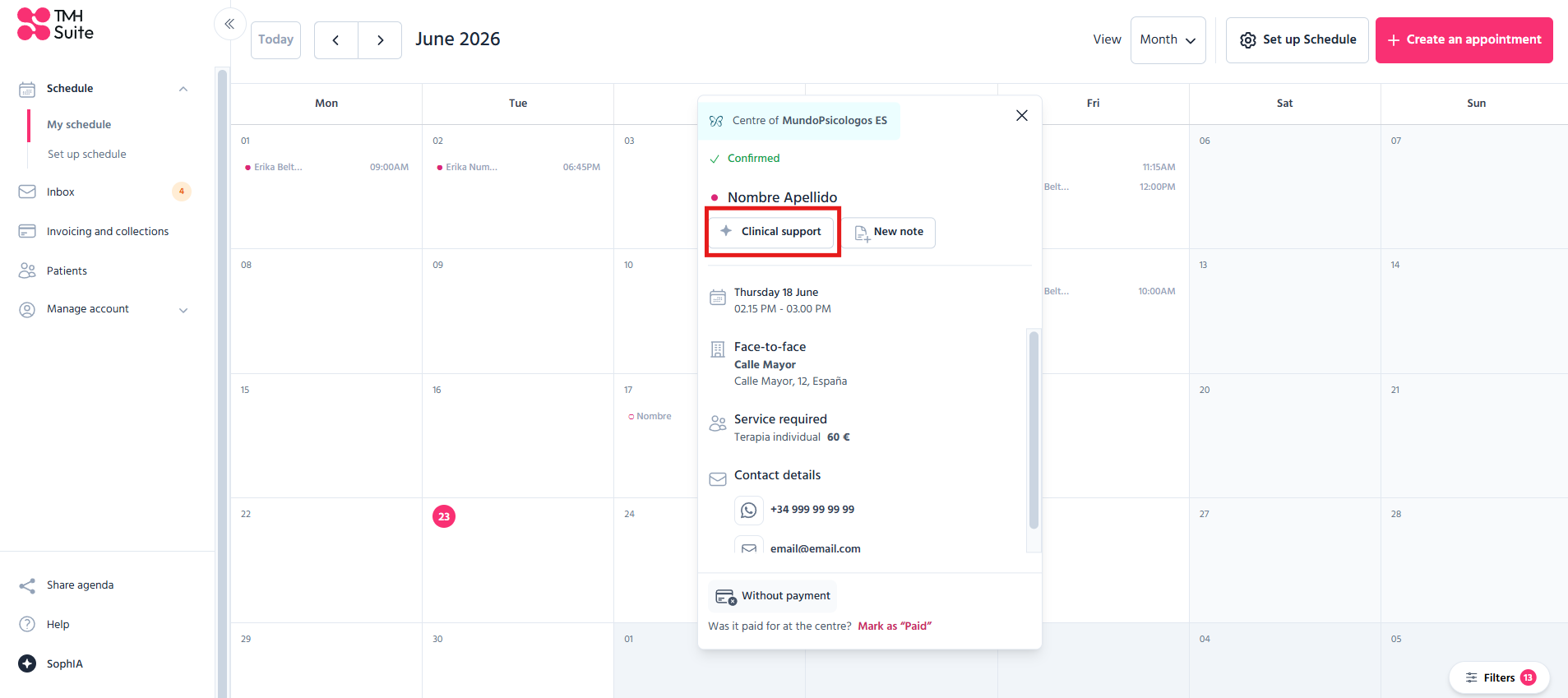
This action
● opens a new SophIA chat related to that patient;
● opens in a new tab so as not to interrupt your current work.
“New note” button
The “New note” button has been added next to the “Clinical support” button.
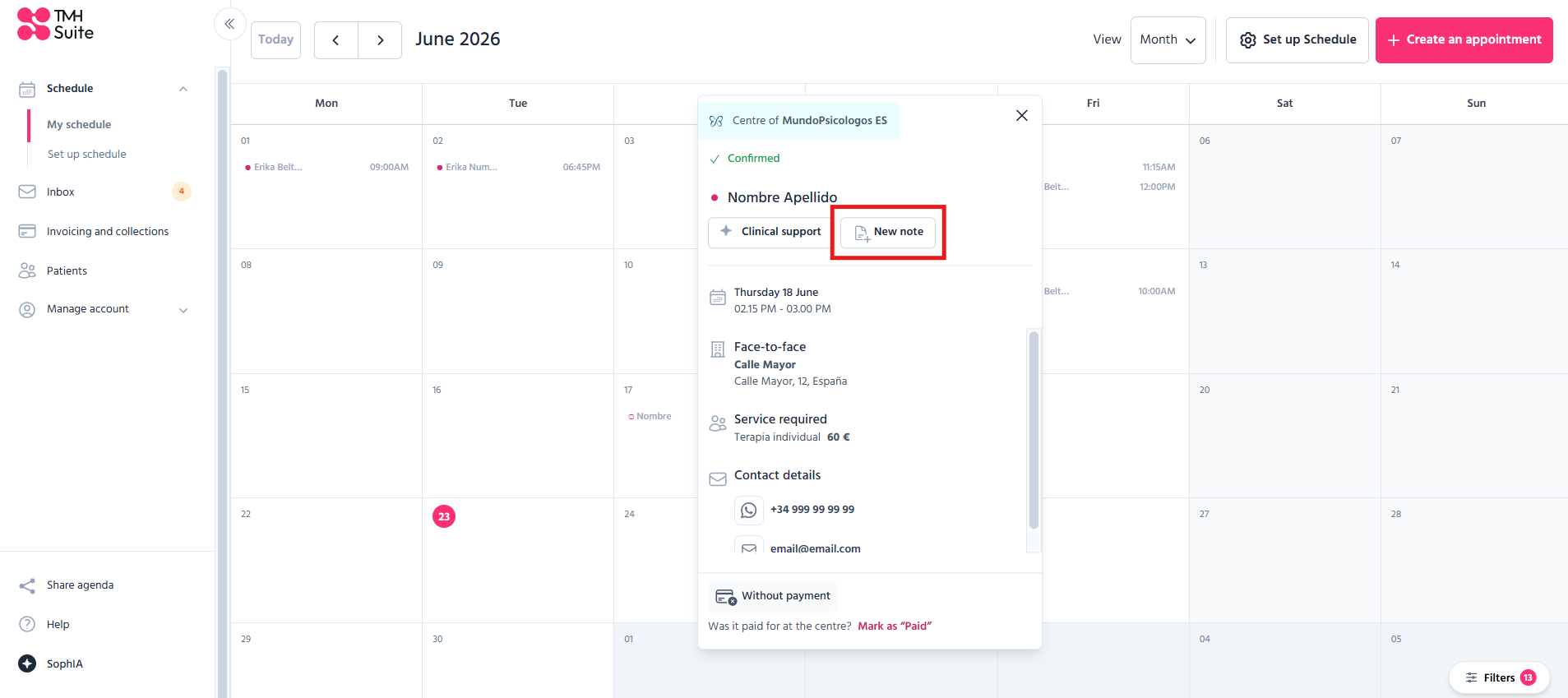
When you click it,
● you will go straight to the patient’s notes
● The form to create a new note will open automatically.
Edit appointment
These improvements are also available on the appointment editing screen.
Main changes
● The SophIA icon is no longer displayed next to the name
● The “Clinical support” button has been added
● The “New note” button has been added
Available actions
Clinical support
Opens a new SophIA chat related to the patient in a new tab.
New note
Takes you directly to the patient’s notes section and automatically opens the creation form.