
SophIA’s clinical support ideas and suggestions
When using SophIA, whether from a patient’s file, whilst managing an appointment in the calendar or via general access to the tool, the interface may display ideas and suggestions to help you start your query.
These suggestions appear on the right-hand side of the panel where you type your query to the AI. They are designed to help you ask questions or explore different approaches to the case or topic you want to address.
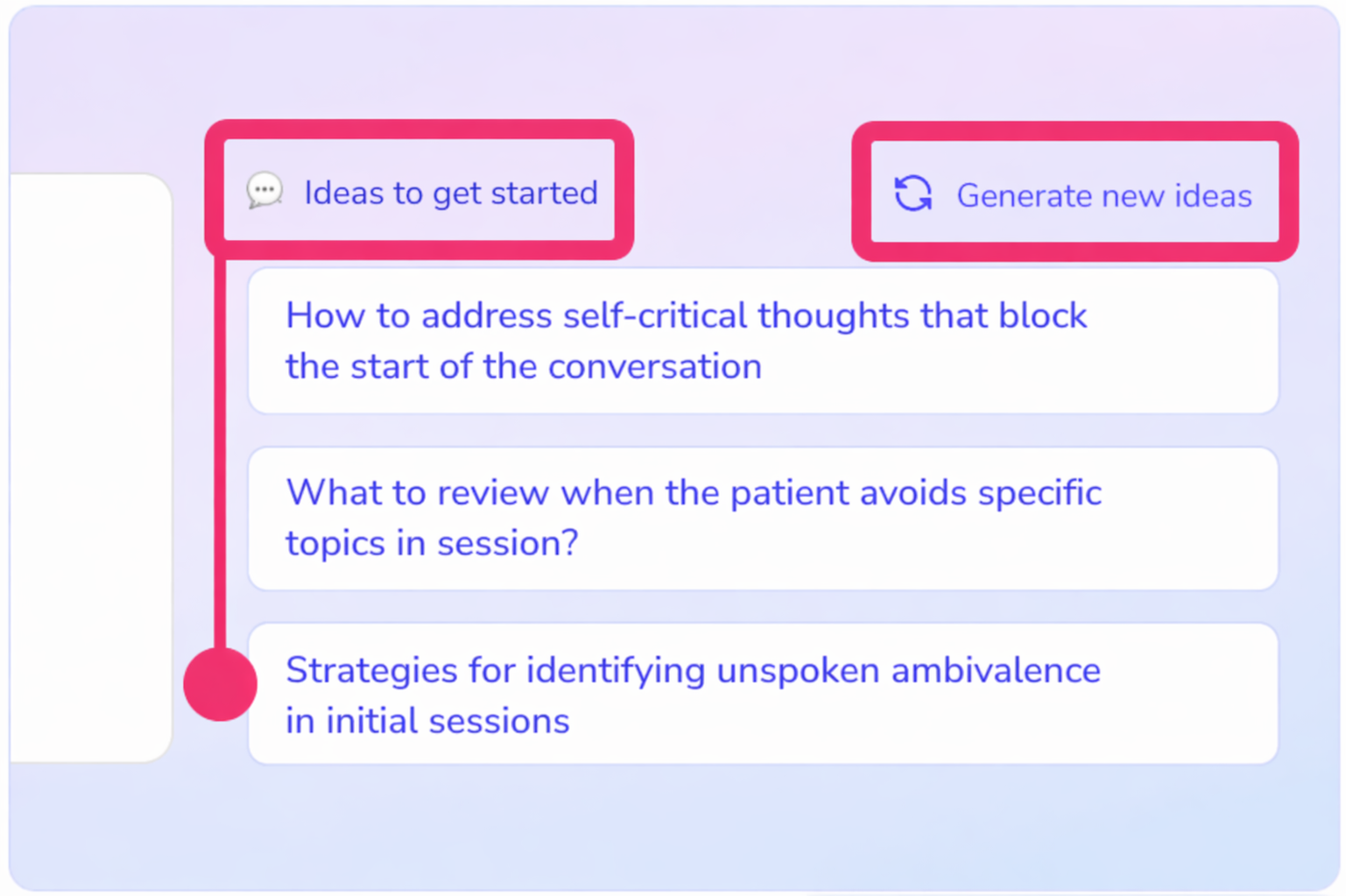
You can click directly on any of these suggestions to use it as a starting point for your query or adapt it to suit your needs.
You can also use the “Generate new ideas” option to receive further suggestions.
💡 These ideas can be particularly useful when you are unsure how to start your query or want to explore new perspectives on a clinical case or situation.