
What to do if SophIA will not load
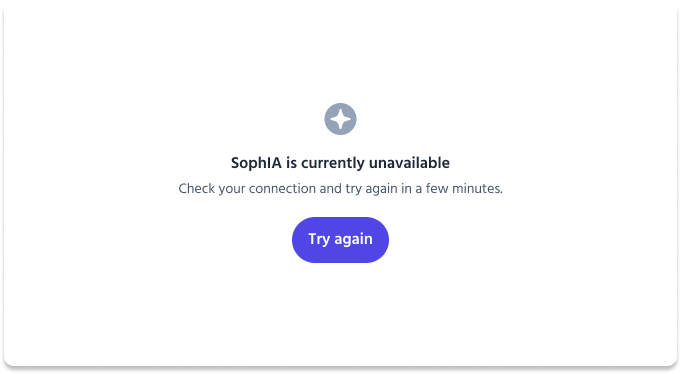
If SophIA cannot open, a screen with the Retry option may appear. This message alone does not mean that information has been lost.
Try opening it again
- Check your internet connection.
- Click Retry.
- If the problem continues, wait a few minutes and try again.
- If it still will not load, contact support.
Explain which message appears and where you are trying to access SophIA from. If you attach a screenshot, hide personal data and clinical information.
If the message refers to the end of your trial or your plan, check the access conditions: that is different from a loading problem.